


Article
Phishing has evolved into a malicious PWA (Proof-of-Life Web App) model, impersonating Google security check pages to steal personal data.


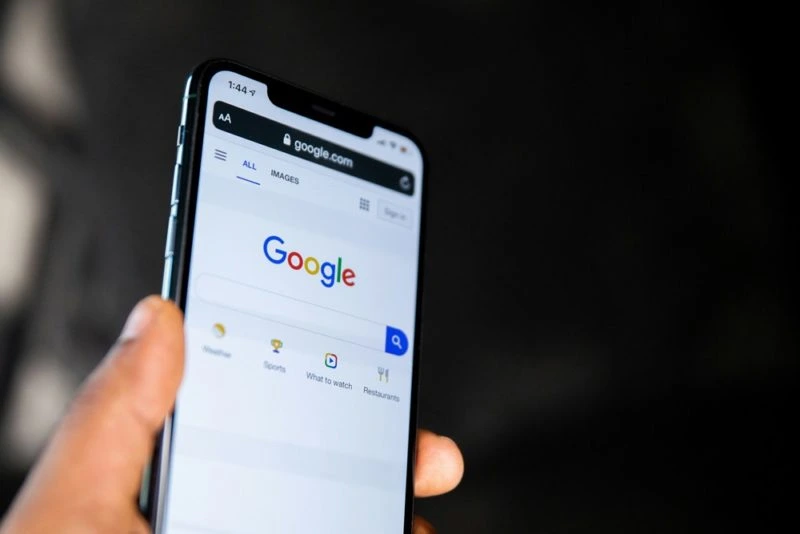
In recent cybersecurity incidents, a new phishing campaign is using fake Google security check pages to attempt to steal user passwords and other sensitive information. According to Malwarebytes research, this scam mimics Google's account protection system, tricking victims into installing malicious Progressive Web Applications (PWAs).
This attack typically begins with a phishing email or link that directs the victim to a website called google-prism.com. This website mimics the Google account security check page. The victim is asked to complete a "security verification" step, which actually installs a malicious PWA called "Security Check." Once installed, this PWA requests multiple permissions from the user, including push notifications and clipboard access.
Once installed, this PWA runs in a borderless window, primarily targeting Chromium-based browsers such as Chrome and Edge, to allow continuous operation using features like background synchronization. It collects data upon startup and sends emergency security messages via push notifications, prompting users to reopen the application. This tool may also act as an HTTP proxy, redirecting attacker traffic through the victim's browser and performing device fingerprinting and internal network port scanning.
This attack has a wide impact, with stolen data potentially including one-time passwords (OTPs) used for account takeover, cryptocurrency wallet information, contacts, and locations. The attack targets not only desktop browsers but is also specifically optimized for Android devices, though its functionality is limited in Firefox and Safari due to a lack of necessary APIs.
To mitigate risks, experts recommend avoiding the installation of apps from unknown sources and verifying them upon seeing Google security warnings. Users can check and remove "Security Check" PWAs and revoke related permissions via chrome://apps or edge://apps. Additionally, enabling browser protection features, updating browsers and operating systems, and using hardware security keys for multi-factor authentication are all effective protective measures.
※ Article source:TechNews 科技新報
※ This article is a website function demonstration example. The content is for layout and function demonstration purposes only. For complete information, please refer to the original source.